
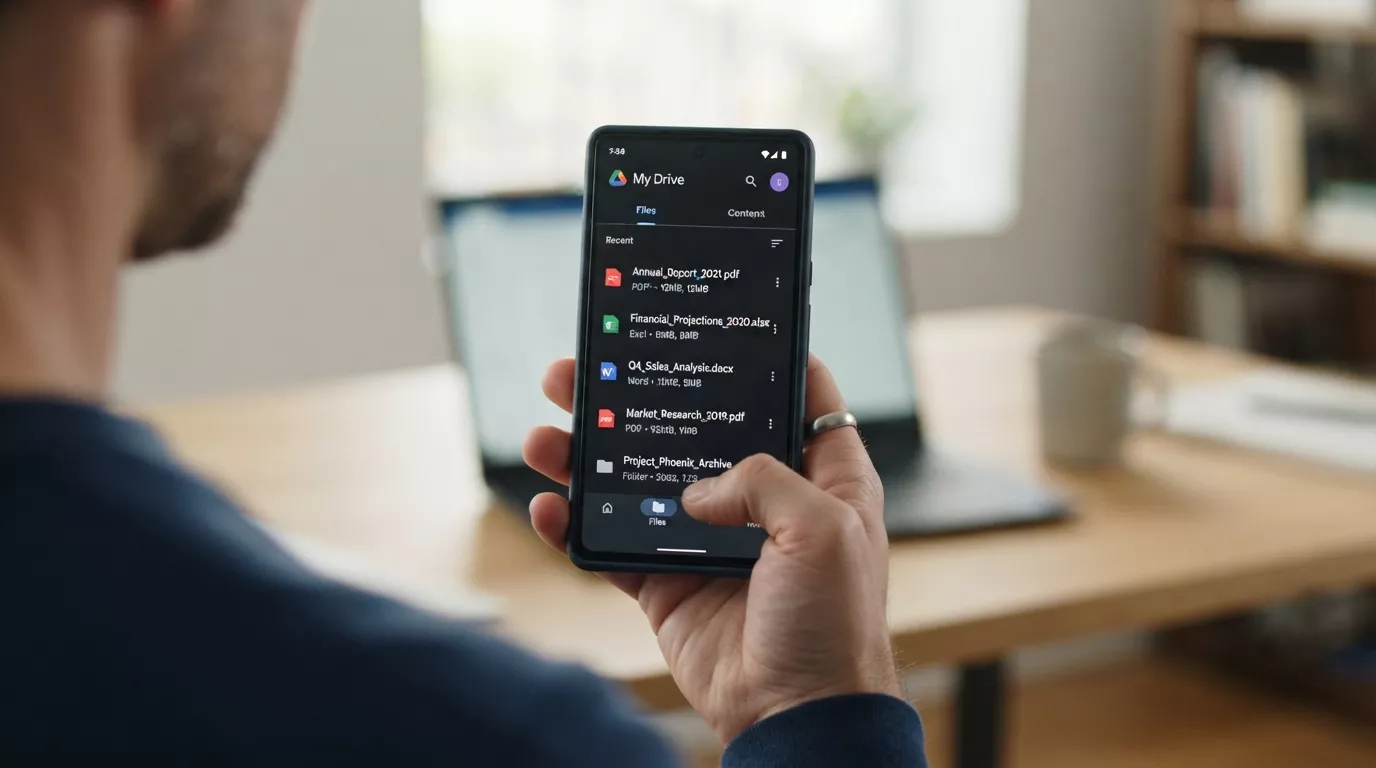
For years, opening Google Drive felt like walking into a warehouse with no map. I knew the report or deck existed somewhere, but I still had to remember the exact file name or dig through five similar folders. With Ask Gemini in Drive and AI Overviews on mobile, that feeling basically disappeared. Google is quietly turning Drive into something that behaves more like ChatGPT on top of your files, not the old “type the file name and pray” search box.
On the web, Ask Gemini in Drive is already rolling out: you can ask normal questions such as “show me the latest ad performance summary” or “summarise all Q2 campaign reports” and Gemini reads across your Docs, Sheets, Slides and PDFs, then responds with a written overview plus links to the files it used.
Now that same experience is coming into the Drive mobile apps, with AI Overviews showing up inside search results, so you get a short answer first and the file list underneath instead of just a wall of filenames.
How marketers, founders and teachers actually use it
For marketers, this kills the weekly ritual of hunting for “final_final_v3” reports before a meeting. You can ask, “What were our best‑performing campaigns last month?” from your phone and Gemini pulls the answer from the dashboards and docs in Drive. Founders can search things like “show me the latest investor update” or “what’s in our current product roadmap?” without remembering which folder someone put it in.
Teachers and course creators win too. Instead of clicking through nested class folders, they can ask, “Summarise all my 7th grade science worksheets on photosynthesis” or “find the latest parent communication letter,” and Gemini surfaces the right documents with context. On mobile, this matters even more: you’re often answering messages or preparing lessons on the go, and having AI Overviews on top of Drive search results means you get the gist before you even open a file.
Why this kills the old “hunt through folders” workflow
The biggest shift isn’t just convenience; it’s how you think about your storage. Old Drive search assumed you remembered names, dates or owners. Ask Gemini assumes you remember ideas: “latest ad report,” “Q2 budget”, “student feedback.” That makes Drive feel less like a filing cabinet and more like a knowledge base sitting under a conversational layer.
For more Info Read this: Use Gemini in Drive for Research and Analysis
Once you get used to asking questions instead of guessing filenames, it’s hard to go back. You stop organising folders for future you and start trusting Gemini to connect the dots between scattered docs, sheets and slides. For anyone living in Google’s ecosystem, that’s the kind of quiet upgrade that saves more time than yet another flashy standalone AI app.

Mohit Sharma
Mohit Sharma is the Founder of AISEOToolshub and an SEO & Digital Marketing Expert with over 6 years of experience helping websites improve their search visibility and organic growth. Mohit closely follows the latest developments in artificial intelligence and regularly shares practical insights on new AI tools, industry updates, and breaking AI news.
Discover more from AI News Hub
Subscribe to get the latest posts sent to your email.